


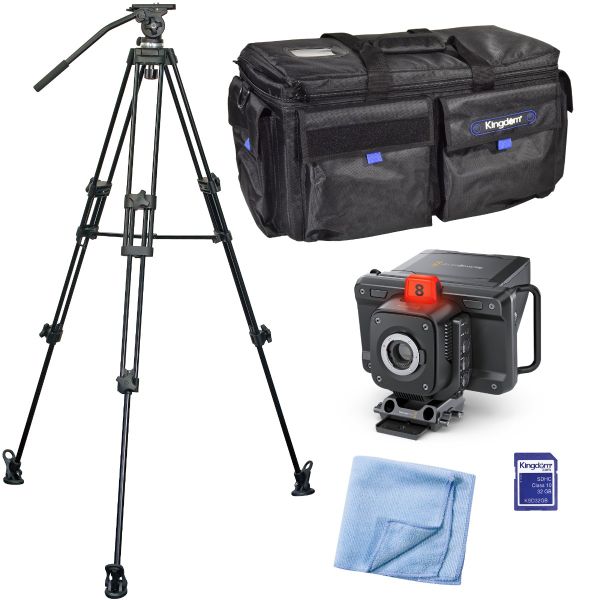
Blackmagic Design Studio Camera 4K Pro G2 Shooter Pack
The Blackmagic Design Studio Camera 4K Pro G2 Shooter Pack is a great starter bundle for on the go live streaming due to it's lightweight and compact design.
Body Only - No Lens Included, these cameras work with any and all MFT (micro four thirds) lenses. Call for details.
The Blackmagic Design Studio Camera 4K Pro G2 Shooter Pack is a great starter bundle for on the go live streaming due to it's lightweight and compact design.
Body Only - No Lens Included, these cameras work with any and all MFT (micro four thirds) lenses. Call for details.

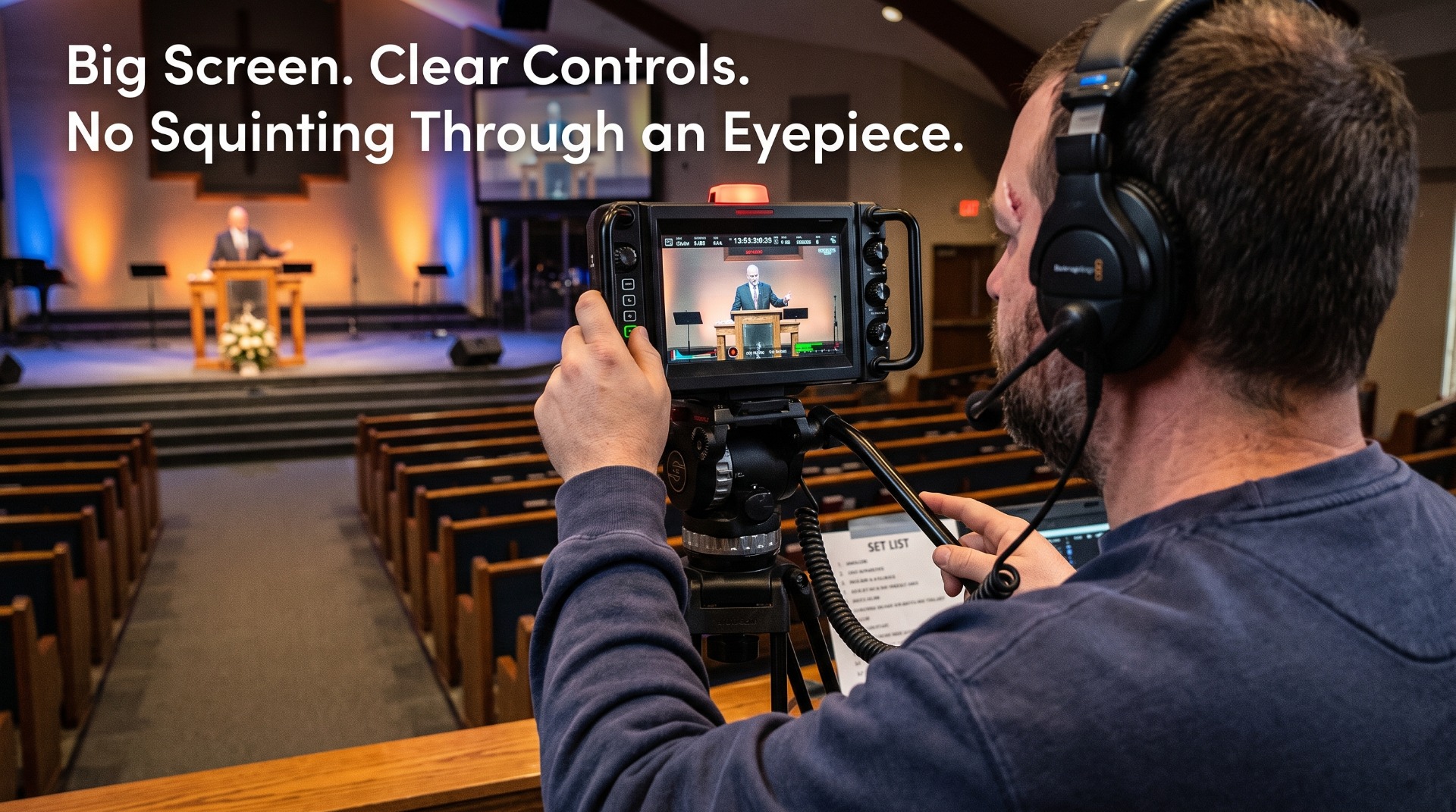
The Volunteer-Friendly Broadcast Camera
Say goodbye to tiny viewfinders, buried menus, and grainy live streams. The Blackmagic Studio Camera 4K Pro G2 brings digital-film colour science to your church broadcast in a body your weekend volunteers can learn in a single rehearsal.
|
|
||
|
|
|
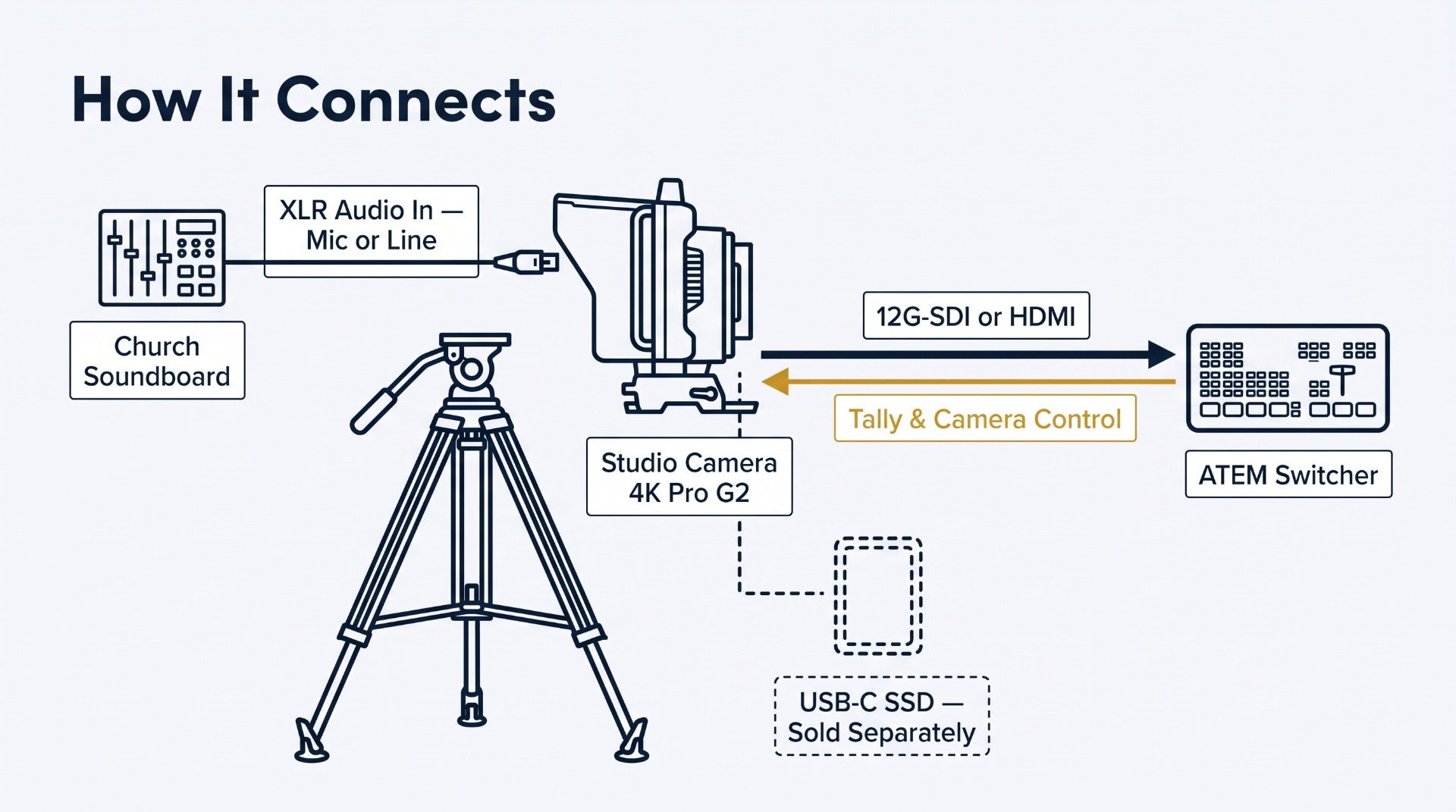
Two Ways to Connect HDMI to an ATEM Mini switcher. The simplest setup. HDMI carries video plus tally, camera control, and record triggering — ideal for churches running ATEM Mini, Mini Pro, or Mini Extreme. 12G-SDI to a professional switcher. SDI out plus a program-return input that carries camera control, talkback, and tally — for long cable runs to an SDI switcher. The one-cable 10G Ethernet link. A single Cat6A cable can carry the camera's video, program return, tally, talkback, control, and power — the same workflow as broadcast SMPTE fiber at a fraction of the cost. It requires a Blackmagic converter or IP system at the switcher end and a Type 4 (802.3bt) PoE power source. Call our experts to plan it: 1-800-480-1011. |
|
Pro Tip for Tech Directors: The camera accepts power over its Ethernet port from a Type 4 (802.3bt) PoE source. Power it from the booth over a long Cat6A run and you won't need a wall outlet near the tripod. Standard PoE and PoE+ equipment won't supply enough power — check the rating before you buy. |
What's in the Shooter Pack
|
From Blackmagic Studio Camera 4K Pro G2 body · Sunshade · Tripod mount with 15mm LWS rod ports · Turret dust cap · 12V DC power supply with international adapters |
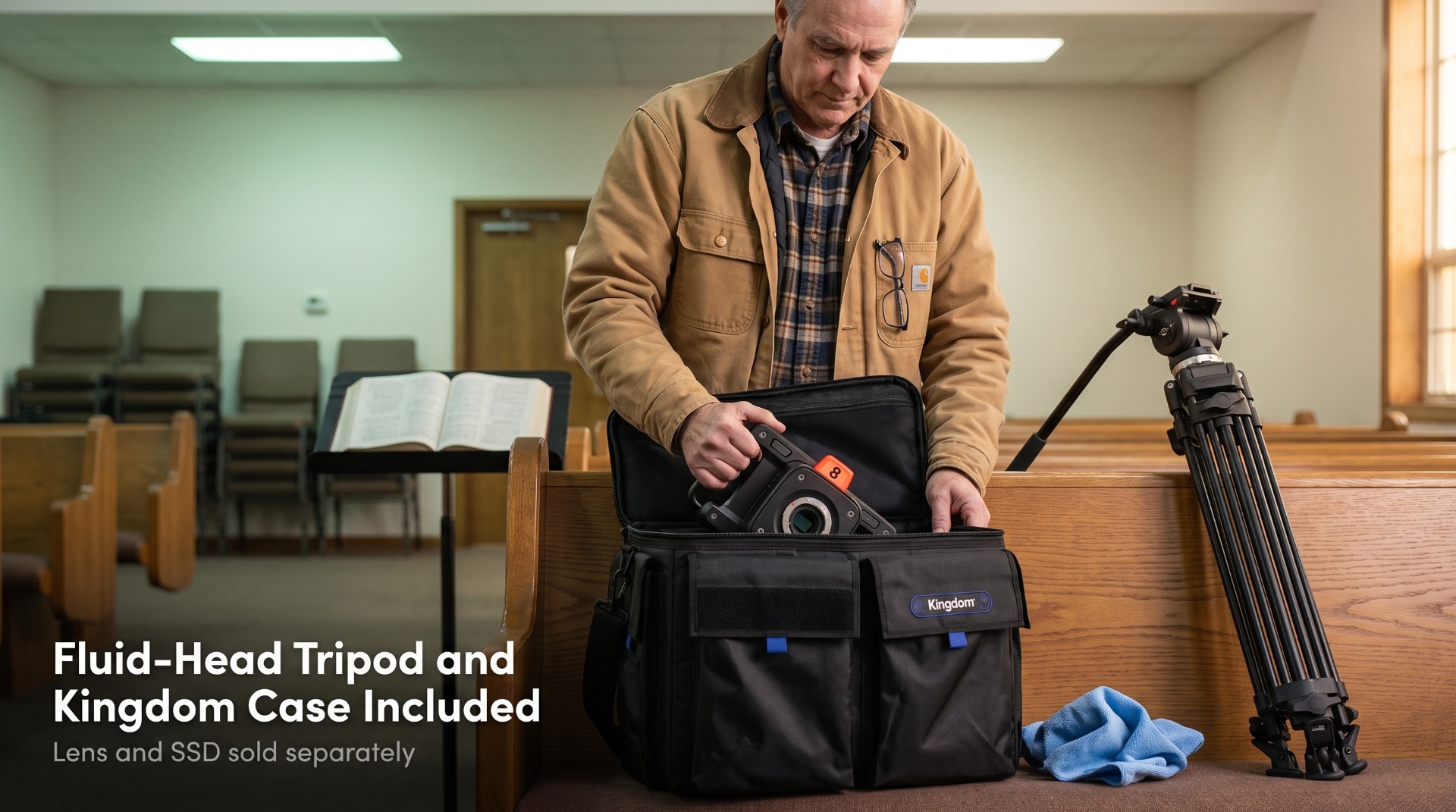
Added by Kingdom Tripod with fluid head · Kingdom professional camera bag · Microfiber cloth · *** PENDING: SD card vs. USB-C SSD decision *** |
Lens not included — a Micro Four Thirds lens is required to shoot.
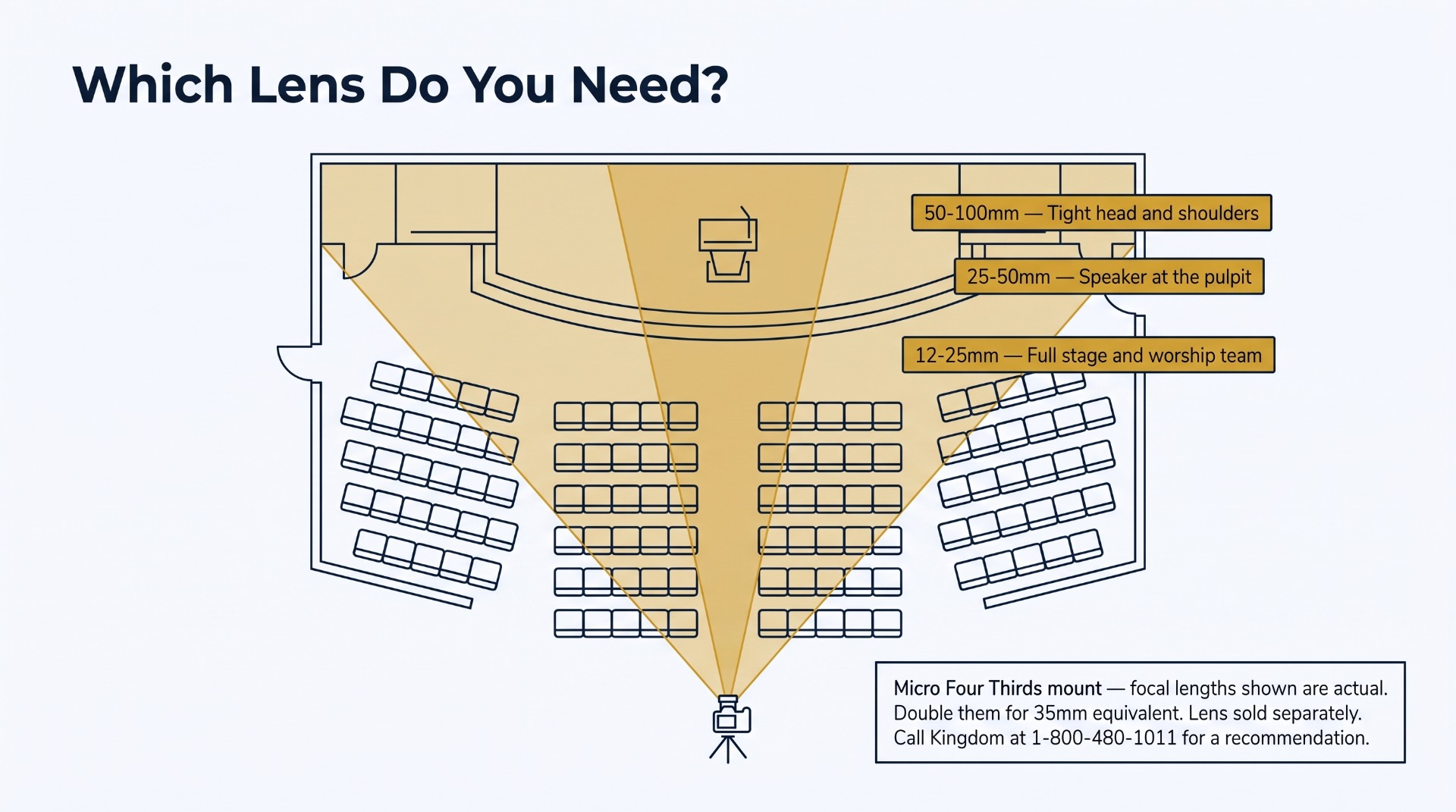
Choosing one: a standard zoom around 12–35mm or 12–40mm covers the stage from mid-sanctuary. From the back of a large room or a balcony, you'll want a longer telephoto zoom to get a tight shot of the pulpit. Not sure? Call 1-800-480-1011 and tell us how far the camera sits from the stage.
Technical Specifications
| Detail | Specification |
| Sensor | 4K (3840 × 2160), up to 2160p60; 13 stops dynamic range |
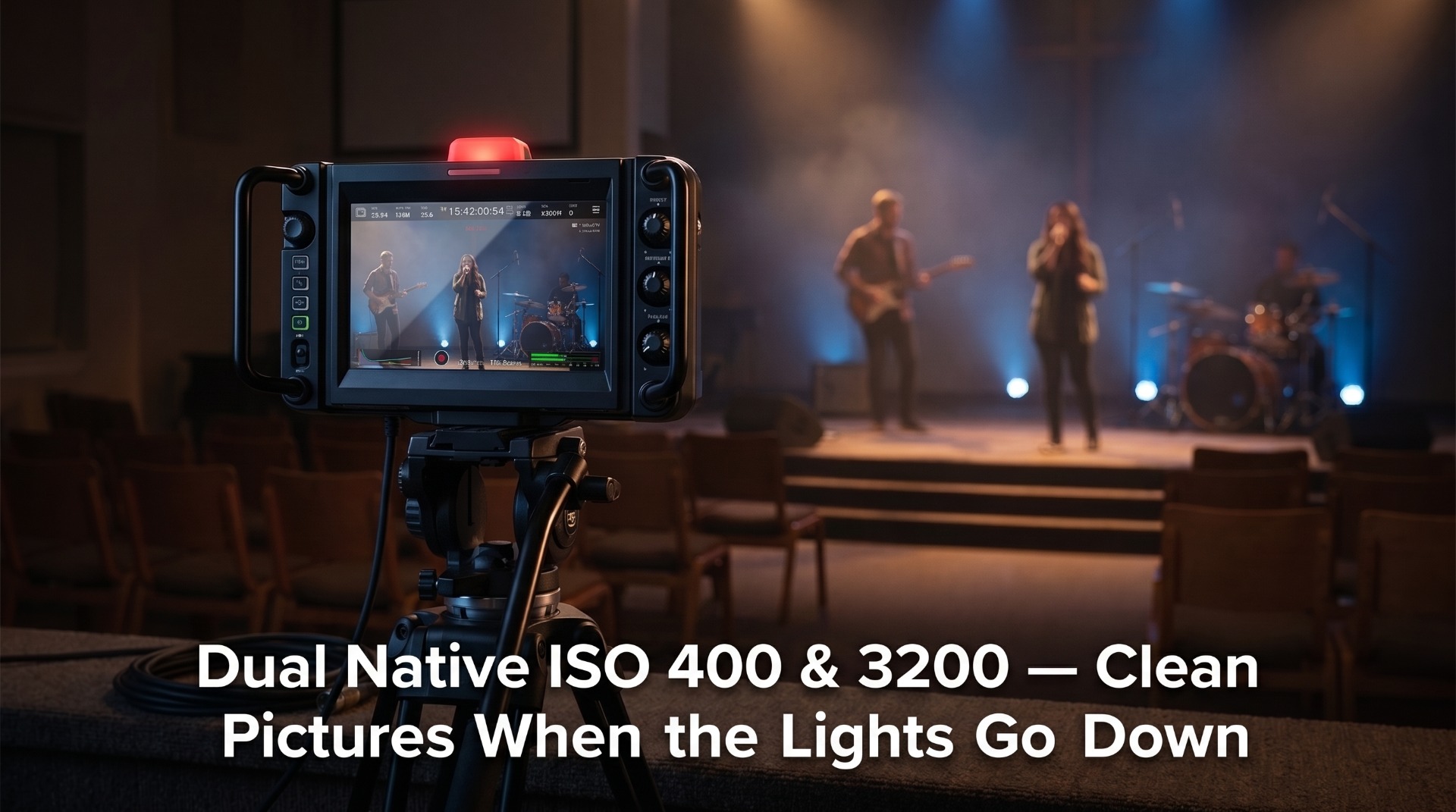
| ISO | Dual native ISO 400 and 3200; gain from ISO 100 (−12dB) to ISO 25,600 (+36dB) |
| Lens Mount | Active Micro Four Thirds — iris, focus, and zoom control on supported lenses |
| Viewfinder | 7-inch high-brightness HDR touchscreen with sunshade |
| SDI | 1 × 12G-SDI out; 1 × 12G-SDI program return in with camera control, talkback, and tally |
| HDMI | 1 × HDMI out with tally, camera control, and record trigger |
| Ethernet | 10G Ethernet — video, program return, tally, talkback, control, and Type 4 PoE power; built-in HD live streaming |
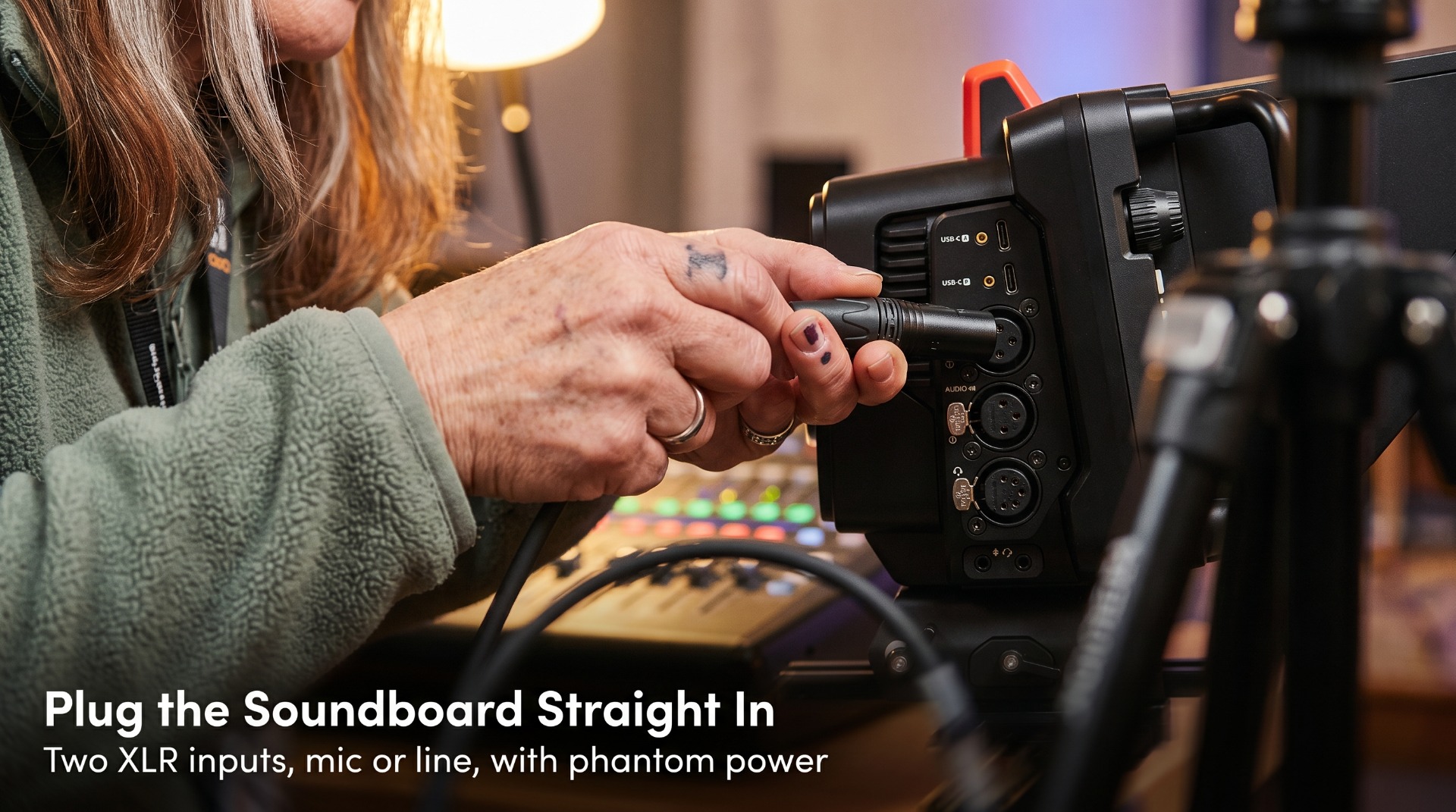
| Audio | 2 × XLR in, mic/line switchable with phantom power; 5-pin XLR talkback; 3.5mm in and out; built-in stereo microphones |
| Recording | Blackmagic RAW to external disks via 2 × USB-C (also used for focus and zoom demands) |
| Power | 12V DC locking barrel; 4-pin XLR; Type 4 PoE — 26–40W via DC, 30–46W via PoE |
| Dimensions | 10.77" L × 6.68" W × 6.59" H |
|
Rated 5 out of 5 One studio owner who switched from Sony now runs two of these alongside two Micro Studio cameras, and says controlling them — including starting and stopping recording — straight from an ATEM Mini saves time on every production. A church reviewer called it everything you need for recording services, noting that Micro Four Thirds lenses are affordable. Another team streaming with virtual sets controls the lens remotely from their control room. One reviewer's advice: don't skimp on the lens — in 4K, this camera shows everything. — Paraphrased from customer reviews on this page |
|
Ready to Shoot? Add These First. The camera needs a lens to shoot and a USB-C drive to record.
|
| Features | Camera
Tripod with Fluid Head Kingdom Professional Camera Bag Microfiber Cloth 11 x 11 Secure Digital SD Memory-Media Storage Card - 32GB |
|---|---|
| Dimensions | N/A |
| Technical Specifications | N/A |
| MPN | KBMDSC4PK |
| Availability | Available For Order |
-
 Blackmagic Design ATEM Mini Pro HDMI Live Stream SwitcherRegular Price $695.00 Special Price $325.00
-
 Blackmagic Design ATEM Mini Pro ISO HDMI Live Switcher w USB Streaming/RecordingRegular Price $795.00 Special Price $545.00
-
 Blackmagic 4K Pocket Cinema CameraRegular Price $1,795.00 Special Price $1,295.00
-
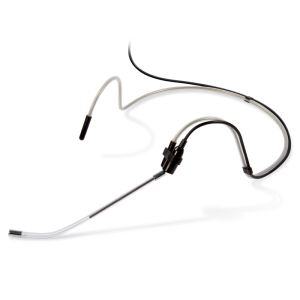 AFL Series Headset Mic for Crystal-Clear Sound: Compatible with Sennheiser, PendoMax, AVTronics, Kingdom SYSV5, or Nady Connector.Regular Price $97.00 Special Price $47.00Out of stock
-
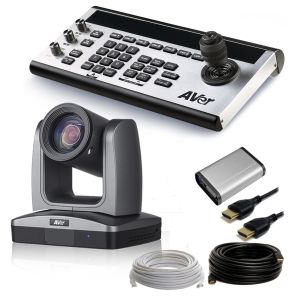 Revolutionize Your Visual Experience with the AVer 30x PTZ Camera & Joystick Controller System.Regular Price $5,799.99 Special Price $3,799.99
Based on 6 Reviews
- 100% to peace100% satisfied with the camera.
Posted on
- Best Studio Camera for the MoneyI have been using Sony cameras in my studio for years. After spending some time with Blackmagic Cameras at NAB I decided to try one of the Studio Cameras. I now have two Studio 4K Pro G2s and two Micro Studio 4K G2 cameras in my studio. The image quality is great. Being able to control the cameras from an ATEM Mini is saving me so much time. It is also nice to be able to start and stop recording from the ATEM as well. It seems like every time I use these cameras I am finding another option that saves me time. I love my Sony cameras but for a studio environment, these Blackmagic cameras simply provide more value.
Posted on
- Excellent Studio CameraDespite its small size, this studio camera has everything you need and more for your video production for personal presentations of church services. The micro-four-third lenses are inexpensive and provide excellent video quality for production or streaming.
Posted on
- BUY BUY BUY!BEST PURCHASE EVER!!!
Posted on
- lens controlWe do live streaming using virtual sets on vmix so far good , Am able to manually control my lens right from the control room with black magic software!! , so far so good
Posted on
- This is great!5-Star Review – Blackmagic Design Studio Camera 4K Pro Let me be clear: if you’re building out a serious live production setup and want something purpose-built, powerful, and polished, the Blackmagic Studio Camera 4K Pro is absolutely worth your attention. Build Quality That Means Business First impression? It’s a tank — in the best way possible. The housing is solid, the buttons feel responsive, the controls are laid out with intention. This thing isn’t some plasticky knockoff DSLR pretending to be a studio cam — it’s clearly designed for long days on set, in studio, or on location. It feels professional because it is professional. Menu System That’s Actually Easy Blackmagic has come a long way with UI/UX, and it shows. The on-screen menus are clean, intuitive, and don't bury the good stuff. Whether you're adjusting gain, white balance, or return feeds, the layout just makes sense. I didn’t have to hunt — I just tapped and tweaked. Everything responds fast and behaves exactly how you’d expect. Advanced, Made Simple (When Paired With ATEM Constellation) Now here's where it really shines. When you pair this with the ATEM Constellation, it’s like the camera unlocks another level. You get full control over color, tally, return feeds, comms — all through a a couple SDI cables. No spaghetti wiring, no external converters. It’s clean, it’s fast, and it works flawlessly inside a Blackmagic ecosystem. You can tell this camera was designed with the whole infrastructure in mind — it wants to talk to the ATEM, HyperDeck, Talkback, all of it. When you play by the Blackmagic rules, everything just clicks. Pro Tip: Don’t Skimp on the Lens This camera will show you every flaw in your lens game — in glorious 4K. Get a good Micro Four Thirds lens that fits your application. Whether you're doing tight headshots, wide church sanctuary shots, or fast sports moves, pick the right glass and this camera sings. Conclusion For any broadcast studio, church production, or live event team that’s serious about quality and workflow — especially if you’re already on the Blackmagic train — the Studio Camera 4K Pro is a no-brainer. Beautiful image, rugged body, seamless control, and it plays really well with others (as long as those others are also Blackmagic). Five stars. No regrets.
Posted on